
This add-on integrates the Newsletter plugin for WordPress with the toSend email delivery service and bounces and complaints management.
toSend has, at time of writing, a free plan, so you can signup and try the service without costs.
What's inside
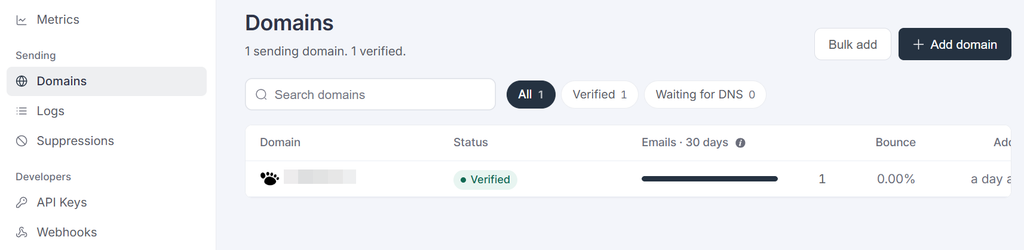
Verify Your Domain
This is a first mandatory step!
Before starting to use toSend, you need to verify a domain you’ll use in the “from” address of your newsletters. It is not necessarily the domain of your site, even if recommended.
To verify the domain, some entries must be added to the DNS: you can do it yourself from the cPanel of your site or ask for help from your hosting provider.
Get an API Key
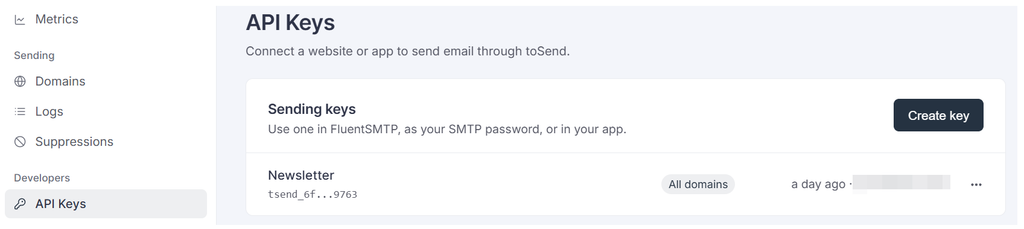
From the toSend console, you can get an API Key: that code needs to be pasted on the toSend add-on configuration so the plugin can start communicating with the service.
Once the API Key is added to the add-on, even when it is disabled, you can send some tests from the configuration page to verify everything is working.
Webhook (for Bounces and Complaints)
toSend does not allow the automatic configuration of the signaling of bounces and complaints. A simple manual step is required.
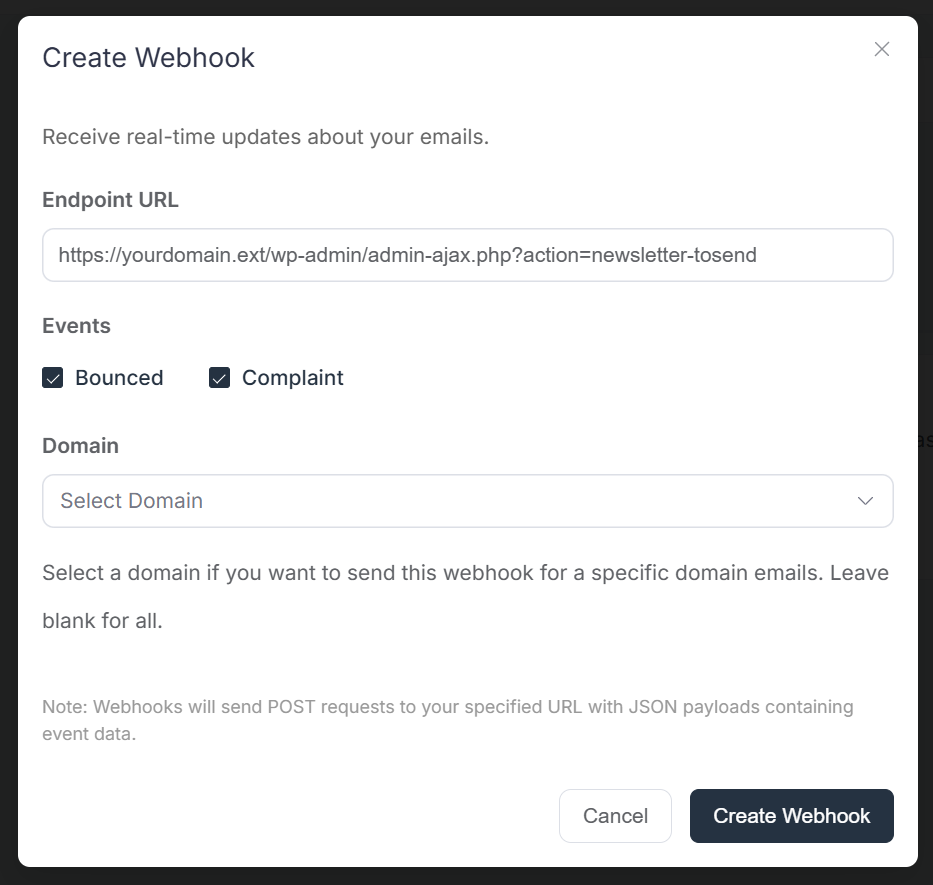
From the add-on configuration panel, “Bounce” tab, copy the shown URL. It should resemble
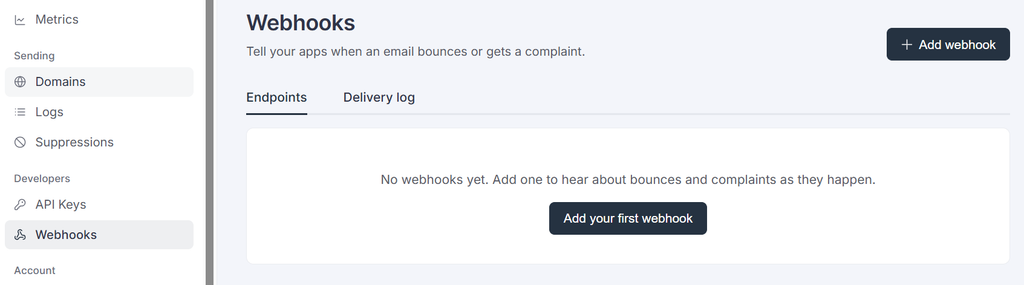
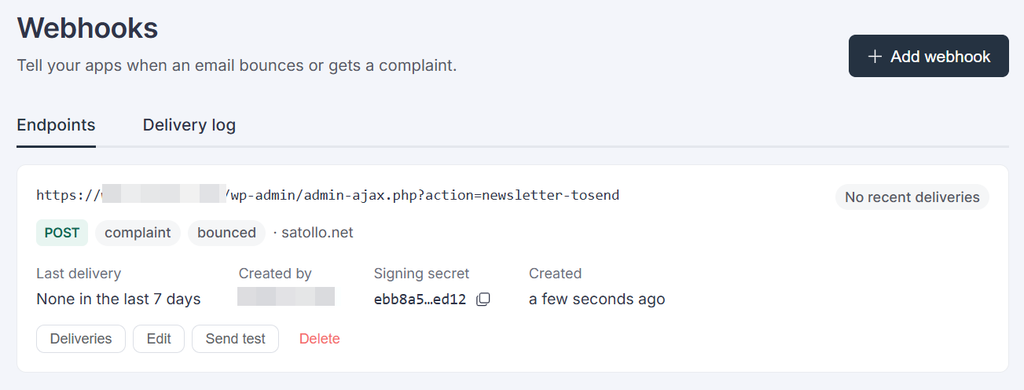
https://www.yourdomain.tld/wp-admin/admin-ajax.php?action=newsletter-tosend.Inside the toSend console, select the “Webhooks” menu entry and “Add webhook”.
On the configuration form, just copy the URL shown on the add-on configuration page and leave the complaints and bounces checked. Select your verified domain.
The webhook is now created, and you can run a few tests. If they report a success message, you should find some records registered on the add-on logs page.
That’s all!